Overview
Dialogs are often referred to as dialog boxes, modal windows, or pop-up windows.
Whatever you call them, they are a quick and easy way to display additional information without having to reload the entire page. Dialog boxes can display just some static text, any node or form of your page, a views page, or any custom markup you'll feed to them.
Drupal core offers different types of dialogs:
- Modal dialogs
- Non modal dialogs
- Off canvas dialogs
There are many ways to display a dialog box in Drupal, depending on your use case.
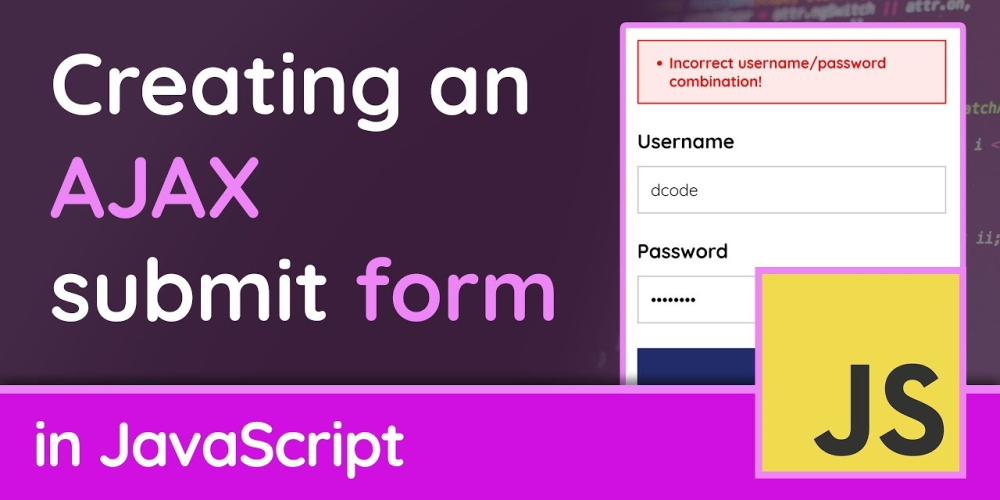
The simplest way to show a dialog box is by simply adding the "use-ajax" class to an HTML anchor tag. Dialogs can also be displayed using AJAX Callback Commands like OpenModalDialogCommand or OpenOffCanvasDialogCommand.
Types of Dialogs
Drupal core offers three different types of dialog boxes that can be displayed without having to reload the entire page:
- Modal dialogs: They overlap the entire page, no other elements can be clicked while modal dialogs are visible. Only one modal popup can be opened at the same time.
- Non modal dialogs: They pop up and stay on top of the page, but still other elements on the page can be clicked. Multiple dialogs can be displayed at the same time.
- Off canvas dialogs: Are no popup windows that overlap other content, but are sliding into the page by moving other content to the side. This type of dialog is especially useful to display larger portions of content, like long detail pages that could require the user to scroll down. Also, the off-canvas dialog is well usable on mobile devices.
If you want to open a dialog directly from javascript (without html link or PHP declaration), you could use this snippet:
var ajaxSettings = {
  url: '/node/1',
  dialogType: 'modal',
  dialog: { width: 400 },
};
var myAjaxObject = Drupal.ajax(ajaxSettings);
myAjaxObject.execute();
The code source for the Drupal.ajax is located in <public>/core/misc/ajax.js
Here are the ajaxSettings options reference:
/**
* Settings for an Ajax object.
*
* @typedef {object} Drupal.Ajax~elementSettings
*
* @prop {string} url
* Target of the Ajax request.
* @prop {?string} [event]
* Event bound to settings.element which will trigger the Ajax request.
* @prop {boolean} [keypress=true]
* Triggers a request on keypress events.
* @prop {?string} selector
* jQuery selector targeting the element to bind events to or used with
* {@link Drupal.AjaxCommands}.
* @prop {string} [effect='none']
* Name of the jQuery method to use for displaying new Ajax content.
* @prop {string|number} [speed='none']
* Speed with which to apply the effect.
* @prop {string} [method]
* Name of the jQuery method used to insert new content in the targeted
* element.
* @prop {object} [progress]
* Settings for the display of a user-friendly loader.
* @prop {string} [progress.type='throbber']
* Type of progress element, core provides `'bar'`, `'throbber'` and
* `'fullscreen'`.
* @prop {string} [progress.message=Drupal.t('Processing...')]
* Custom message to be used with the bar indicator.
* @prop {object} [submit]
* Extra data to be sent with the Ajax request.
* @prop {boolean} [submit.js=true]
* Allows the PHP side to know this comes from an Ajax request.
* @prop {object} [dialog]
* Options for {@link Drupal.dialog}.
* @prop {string} [dialogType]
* One of `'modal'` or `'dialog'`.
* @prop {string} [prevent]
* List of events on which to stop default action and stop propagation.
*/

Code Snippet
var ajaxSettings = {
  url: '/node/1',
  dialogType: 'modal',
  dialog: { width: 400 },
};
var myAjaxObject = Drupal.ajax(ajaxSettings);
myAjaxObject.execute();